Redeem Codes
Where can I find Redeem Codes?
When exploring our various Social Media and Community Pages (you can learn more about them here: Merge Gardens Communities and where to find us on Social Media), you may come across a special Redeem Code that grants you a bundle of in-game goodies!
Redeem Codes may also occasionally be featured in our advertising campaigns, so keep an eye out.
How do I use a Redeem Code?
If you've encountered a Redeem Code you'd like to use, open Merge Gardens and head to the game's Menu > Redeem Code.
You'll see a text input field:
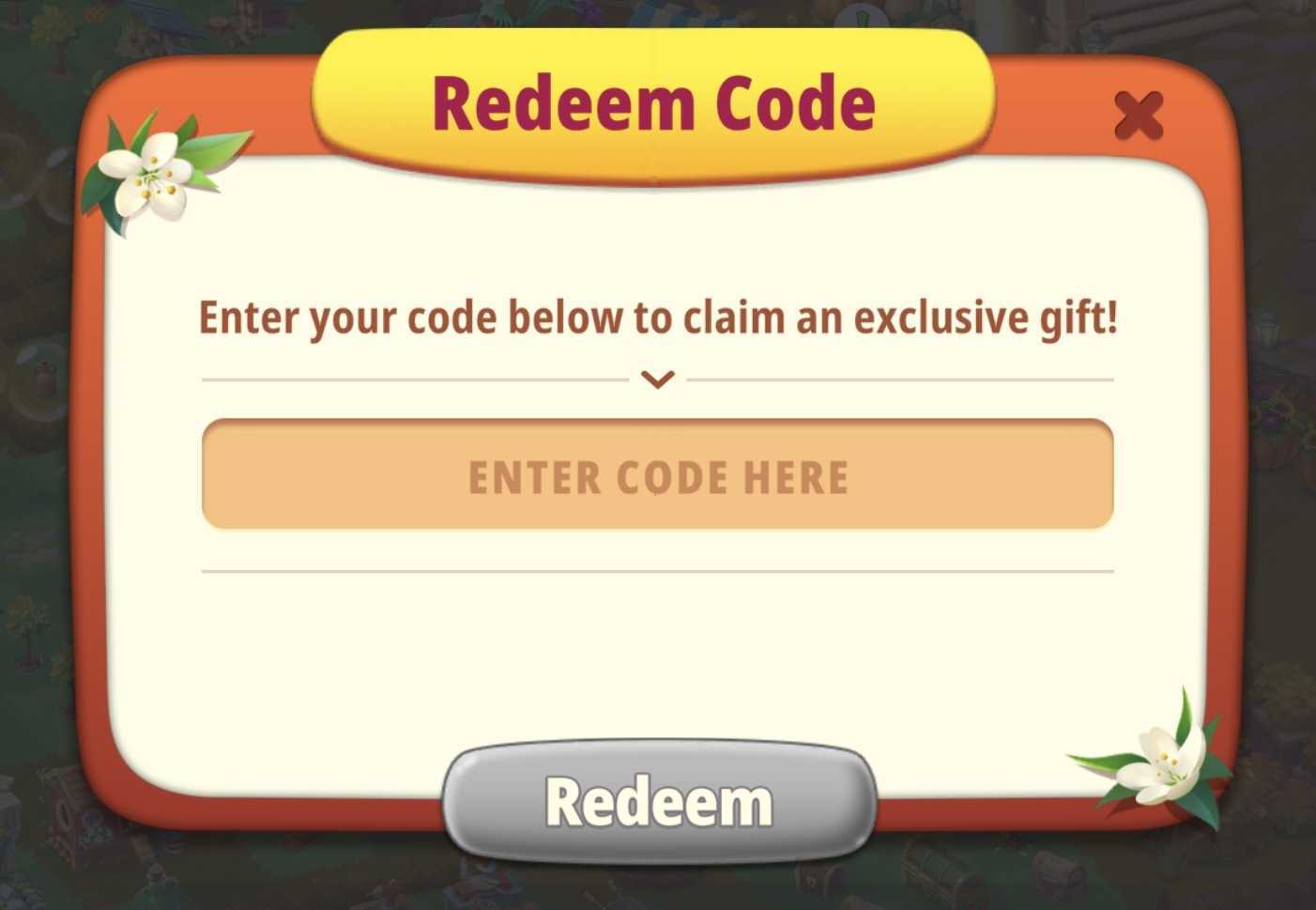
Carefully enter the Redeem Code exactly as shown in the post and tap Redeem to claim your rewards!
Looking for a shortcut? If you're reading this article on your mobile device, simply tap here to open the Redeem Code window directly in the game!
Why isn't my Redeem Code working?
If you're having trouble redeeming a code, there could be a few reasons:
The code has expired. Redeem Codes may only be available for a limited time.
The code was entered incorrectly. Double-check for typos or missing special characters.
You've already redeemed a code today. Only one Redeem Code reward can be claimed per day.
The Redeem Code is not available for your account. Some Redeem Codes are only available to certain players, such as those who have recently started playing.
Please note: Our Player Support team does not distribute Redeem Codes.