How do I get rid of Baskets and Hampers?
Baskets and Hampers can be a great way to acquire extra items, such as Eggs and Berry Bushes, for your Garden. If you don't wish to open them with gems, you can sell them for coins instead!
To sell a Basket or Hamper, you'll first need to tap it to select it, then dismiss the purchase pop-up that you'll see as in the image below by tapping the 'X' in the top right corner:
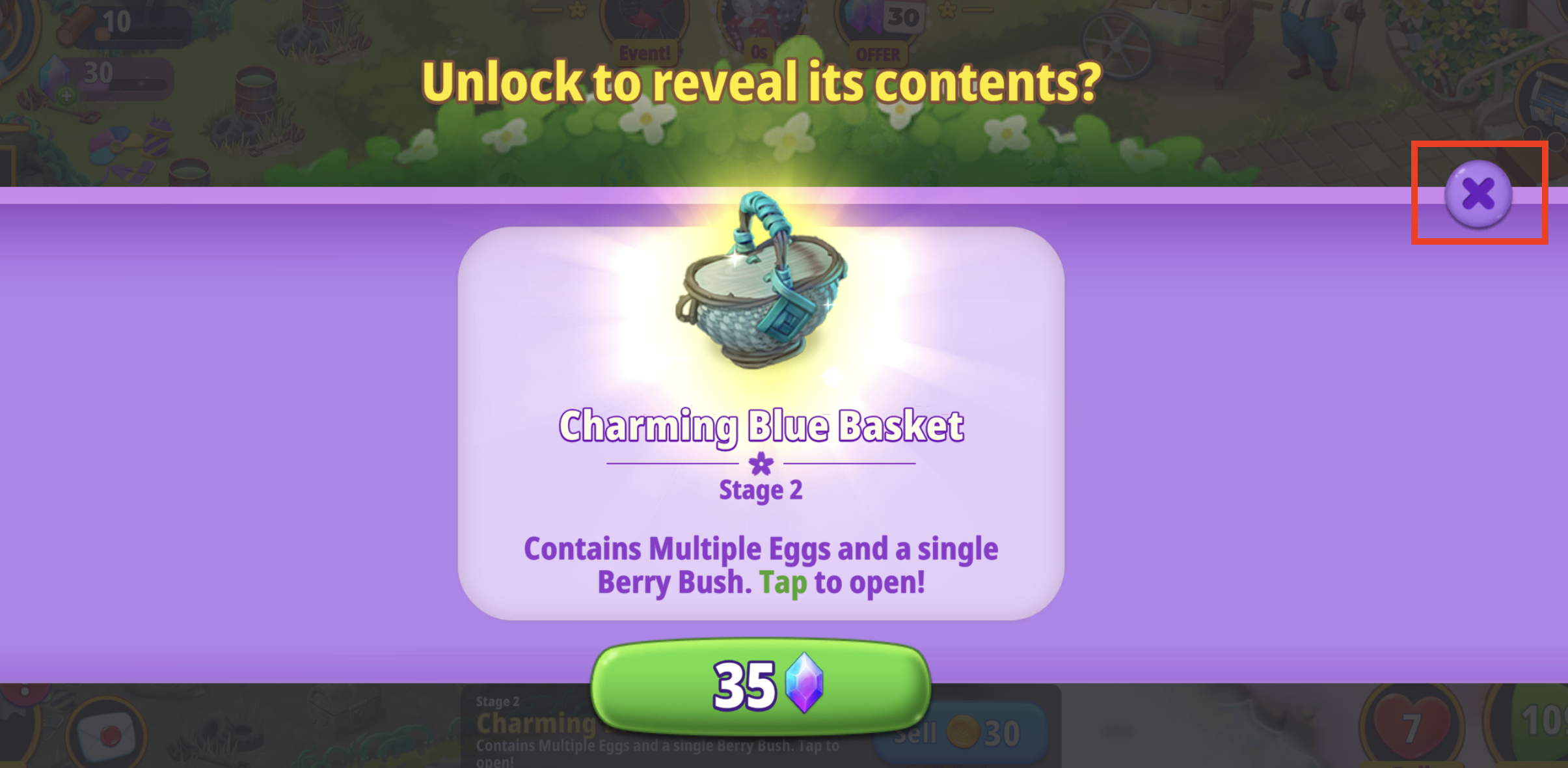
Alternatively, you can skip the pop-up by either pressing and holding the Basket or Hamper or dragging it slightly to bypass it.
Once you've dismissed the pop-up, you can then tap the Coin icon (or the 'X' icon if your coin storage is full) in the info bar at the bottom of the screen:

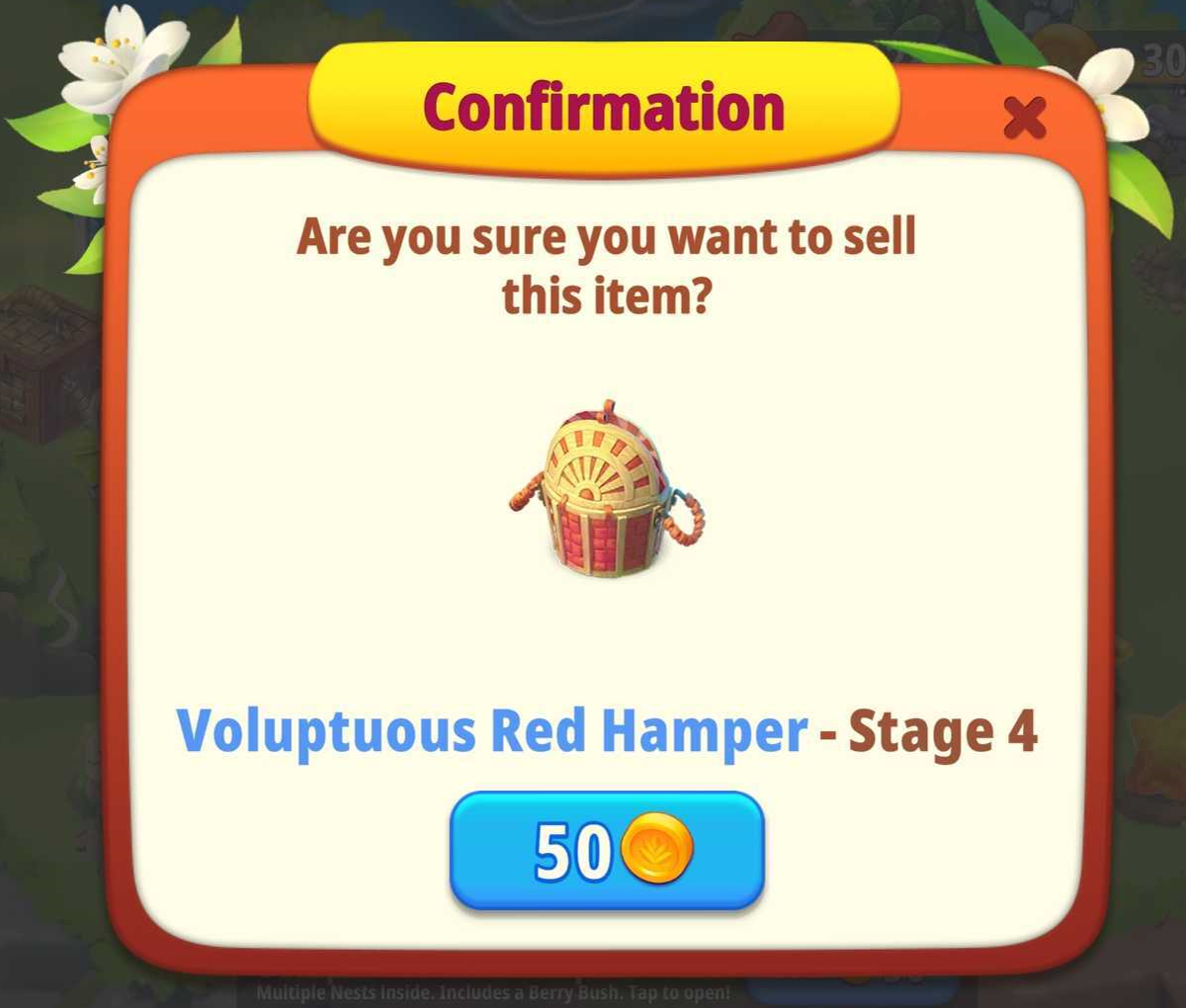
You may have to tap the icon again or tap the confirmation button in the separate pop-up for the more valuable Hampers:
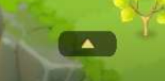
If the info bar is not visible, simply tap the small arrow located at the bottom center of your Home Garden screen: